Dinsun Review
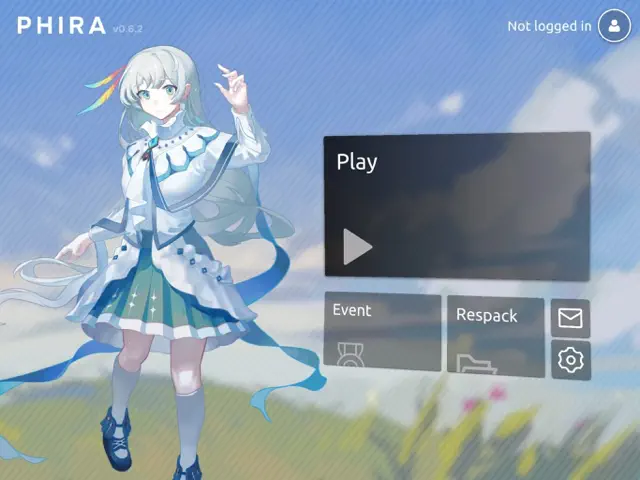
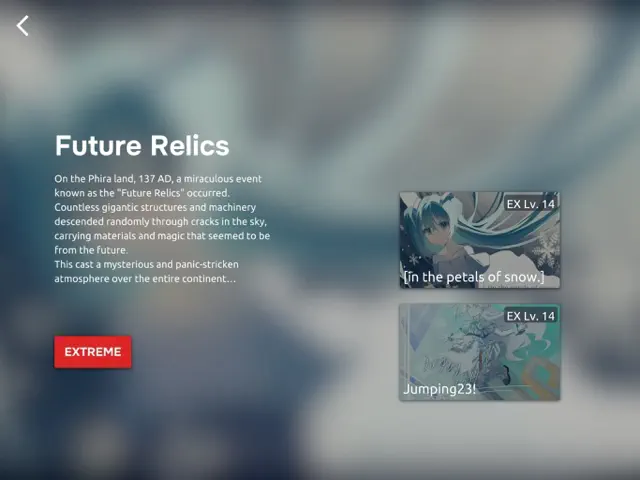
I have a begrudging respect for Phira. It’s clearly made by people who love rhythm games and hate corporate guardrails. The movement of the judgment lines is hypnotic and genuinely pushes your spatial awareness. It’s hard—properly hard—and it doesn't apologize for it. The fact that it’s community-driven means the content is endless and often more creative than what you'd see in a commercial product.
But the technical side is a mess. It crashes constantly, the account system is basically a suggestion, and the TOS/Privacy Policy bugs make it nearly impossible for new players to even get started. It’s a 'V1.0' that feels more like a 'V0.5'. If you can get it to work, it’s a top-tier rhythm experience. If you can't, it’s just a pretty icon that does nothing. It’s for the hardcore only; casuals need not apply.
Overall Stats
Pros & Cons
- Incredibly creative rhythm mechanics
- No predatory monetization
- Active community content
- Severe stability issues
- Broken login and registration
- Hard to find specific content
Technical Report
Performance: Frequent crashes; known bug preventing account creation and TOS loading.
Audience Fit
Buy if: You are a rhythm game expert looking for a challenge.
Skip if: You have no patience for technical bugs or steep difficulty.
- Phigros
- Arcaea
- Cytus II
Reviewer Context
- Reviewer: Dinsun
- Hardware: iPhone 15 Pro
- Playtime: 8 hours
- Status: Mastered 5 community charts