Kahoot! Play & Create Quizzes in IOS

Learn at school, home or work

Walkthrough, Guilds, Tips on this special game

Our Site Score

92/100

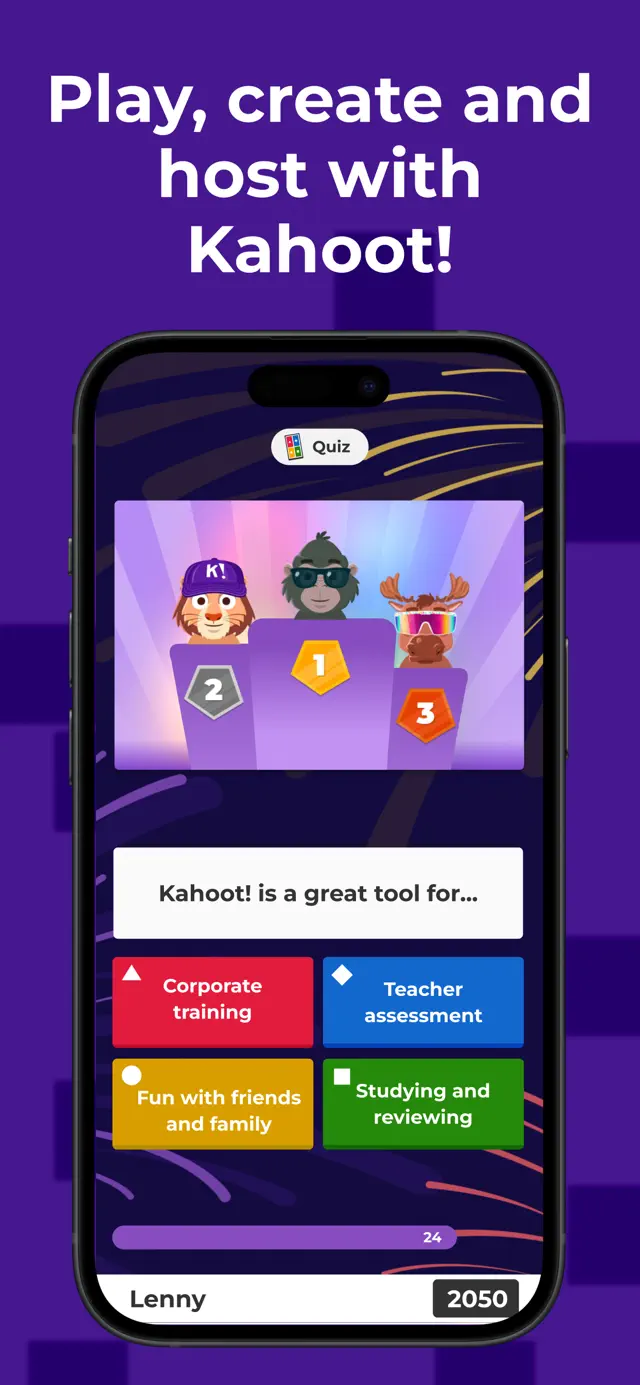
Kahoot! remains an absolute powerhouse in the educational tech space, and its iOS app perfectly captures the frantic energy of live trivia. The interface is remarkably bright, accessible, and intuitive. Whether you are a teacher building a comprehensive lesson review or a student just trying to join a room code before the timer hits zero, the user flow is seamless. The app transitions beautifully between acting as a simple button-mashing controller for live games and working as a robust content creation tool where you can build complex quizzes right on your phone.

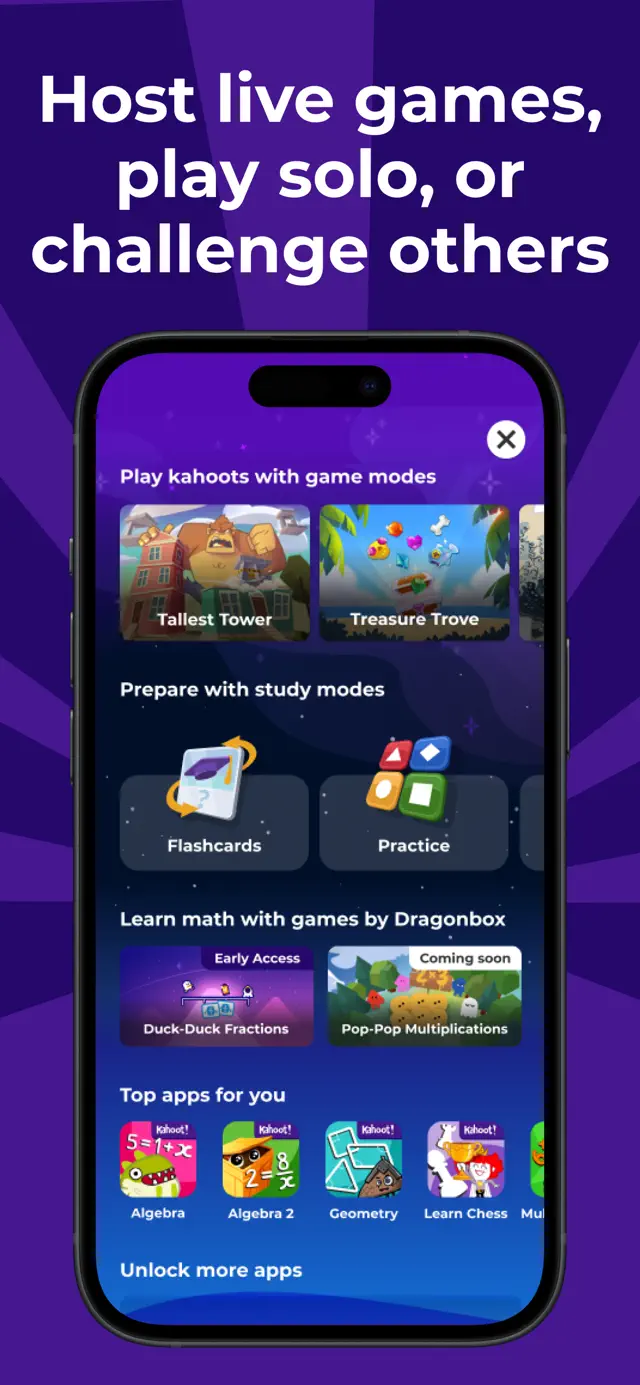
What makes the app truly shine is its expansion beyond the traditional classroom layout. The single-player flashcard mechanics and practice tests turn a party game framework into an genuinely valuable independent study tool. It eliminates the dry nature of rote memorization by wrapping it in an environment that rewards progression. My only minor gripe is the increasingly aggressive pushes toward premium tier subscriptions for advanced question types, but the core free experience remains incredibly robust and arguably mandatory for any modern interactive classroom environment.

Reviewed on: Sun Jun 07 2026
Dinsun Avatar

Dinsun Review

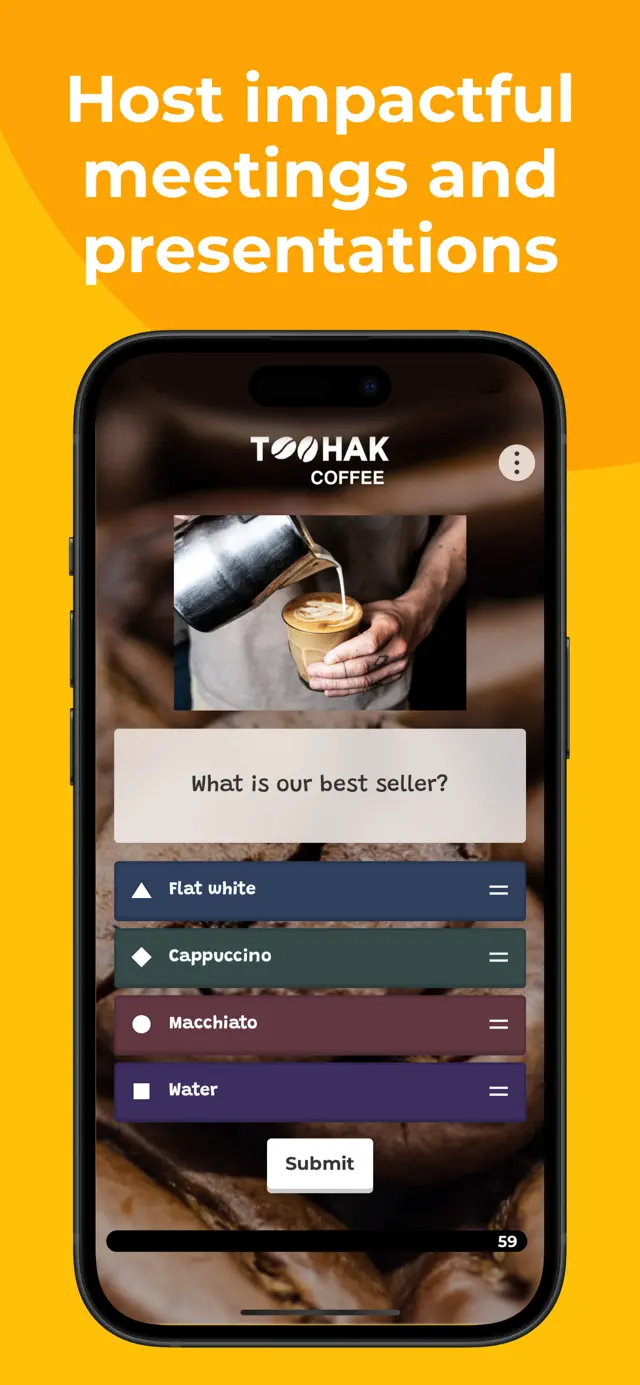
Let's strip away the corporate buzzwords: Kahoot! isn't really a video game, it's a glorified buzzer system wrapped in obnoxious party-game presentation. As an educational utility or a quick icebreaker at a tech seminar, it serves its purpose. As a piece of software intended for engagement, it exposes deep mechanical flaws. The scoring system rewards raw reflexes rather than deep thinking. If you know the correct answer but take two seconds to carefully read all four multi-colored options, a teenager who blankly mashed the blue diamond instantly gets double your points. It establishes a terrible loop where panic-induced clicking beats deliberate execution.

From a presentation perspective, it's functional but grating. The music is designed to be a catchy earsprint, yet after ten minutes, it morphs into psychological warfare. The mobile interface itself is just four massive colored buttons, offloading all reading requirements to a central stream. When the host's screen suffers from connection delays or poor resolution, the core gameplay completely falls apart. It's a useful presentation gimmick for classrooms or trivia nights, but let's not pretend it has the depth or balance of a real quiz game.

Overall Stats

Pros & Cons

  • Extremely low barrier to entry using simple PIN codes
  • Large community library of user-generated content
  • Engaging presentation for large crowds or classrooms
  • Scoring relies way too heavily on response speed over depth of knowledge
  • Horrible UI scaling if the host monitor isn't perfectly legible
  • Aggressive monetization and subscription pop-ups for advanced features

Technical Report

Performance: Runs stable on almost any mobile device, but depends entirely on the stability of WebSocket connections to synchronize host questions with local devices.

Accessibility:
  • Subtitles
  • Basic Text Scaling
  • High-Contrast Color Options

Audience Fit

Buy if: You are a teacher looking to wake up a room of tired students or a team lead running a casual office trivia session.

Skip if: You want a robust, self-contained trivia experience with balanced strategic depth and solo progression mechanics.

Similar Games:
  • Jackbox Party Pack (Trivia Murder Party)
  • QuizUp
  • Jeopardy! World Tour

Reviewer Context

  • Reviewer: Dinsun
  • Hardware: iPad Pro (11-inch) and iPhone 15 Pro
  • Playtime: 15 hours
  • Status: Hosted and joined dozens of live trivia sessions across multiple categories

The Game

Available on: Mac, iPhone, iPad

Version 6.6.8Mon May 18 2026

We are excited to launch our new Math screen, your one-stop hub for a broad range of math topics. In addition, you can now share your results in more ways at the end of each game. Let’s get started!


Requires iOS 16.0 or later. Compatible with iPhone, iPad, and iPod touch.

Play engaging quiz-based games (kahoots) at school, at home and at work, create your own kahoots, and learn something new! Kahoot! brings the magic of learning to students, teachers, office superheroes, trivia fans, and lifelong learners.

Here’s what you can do with the Kahoot! app, now available in English, Spanish (LATAM), French, German, Italian, Brazilian Portuguese, Japanese, Dutch, Turkish, Polish, Arabic, Simplified Chinese, Traditional Chinese, Norwegian, Swedish, Danish, Ukrainian and Korean:

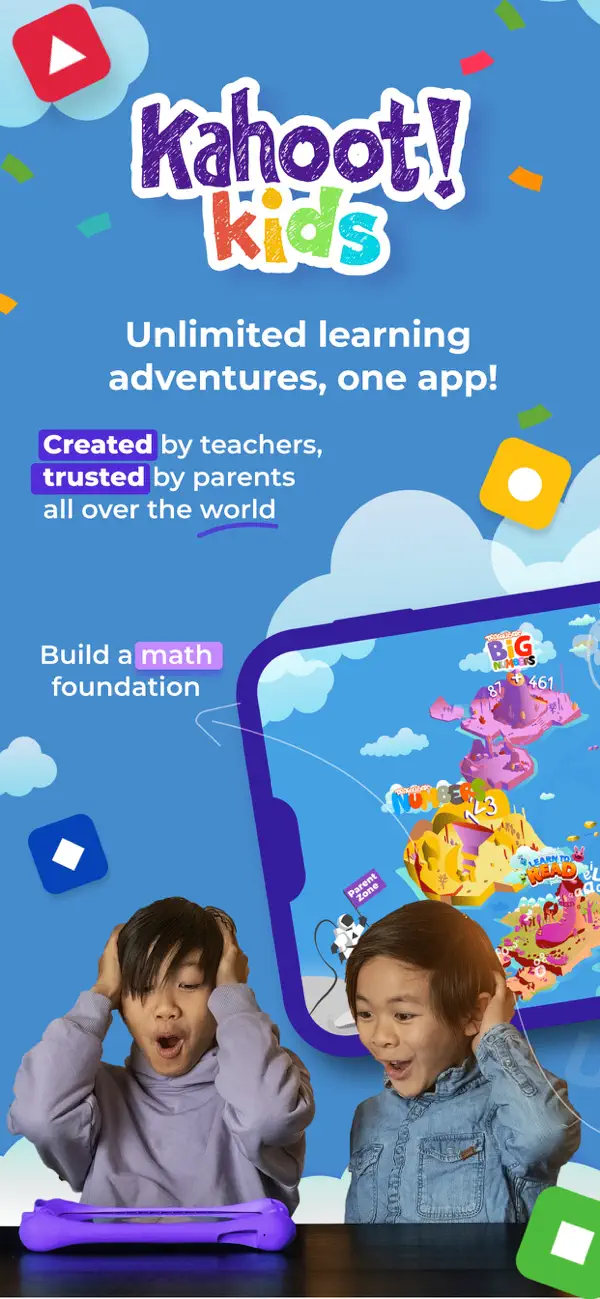
Young students

- Make your school projects awesome by building kahoots on any topic using pre-made templates, fun question types, themes, and background music.

- Supercharge your games with unique rewards including new characters and accessories.

- Enjoy premium game modes, perfect for birthday parties and family game nights!

- Ace upcoming exams by setting learning goals and testing yourself with advanced study modes.

- Make math fun with interactive games to get ahead in algebra, multiplications, and fractions.

Students

- Study with unlimited free flashcards and other smart study modes

- Join kahoots hosted live - in class or virtually - and use the app to submit answers

- Complete self-paced kahoots

- Challenge your friends in study groups with kahoots you found or created

- Create your own kahoots and add images or videos

- Host kahoots live for family and friends directly from your mobile device

Families and friends

- Find a kahoot on any topic, fit for any age

- Host a kahoot live by sharing your screen to Apple TV or via video conferencing apps

- Play a live kahoot using SharePlay. Start a FaceTime call and select the kahoot you want to play. No host is required - everyone can participate!

- Engage your kids with studying at home

- Assign a kahoot to challenge family members and friends

- Create your own kahoots and add different question types and image effects

Teachers

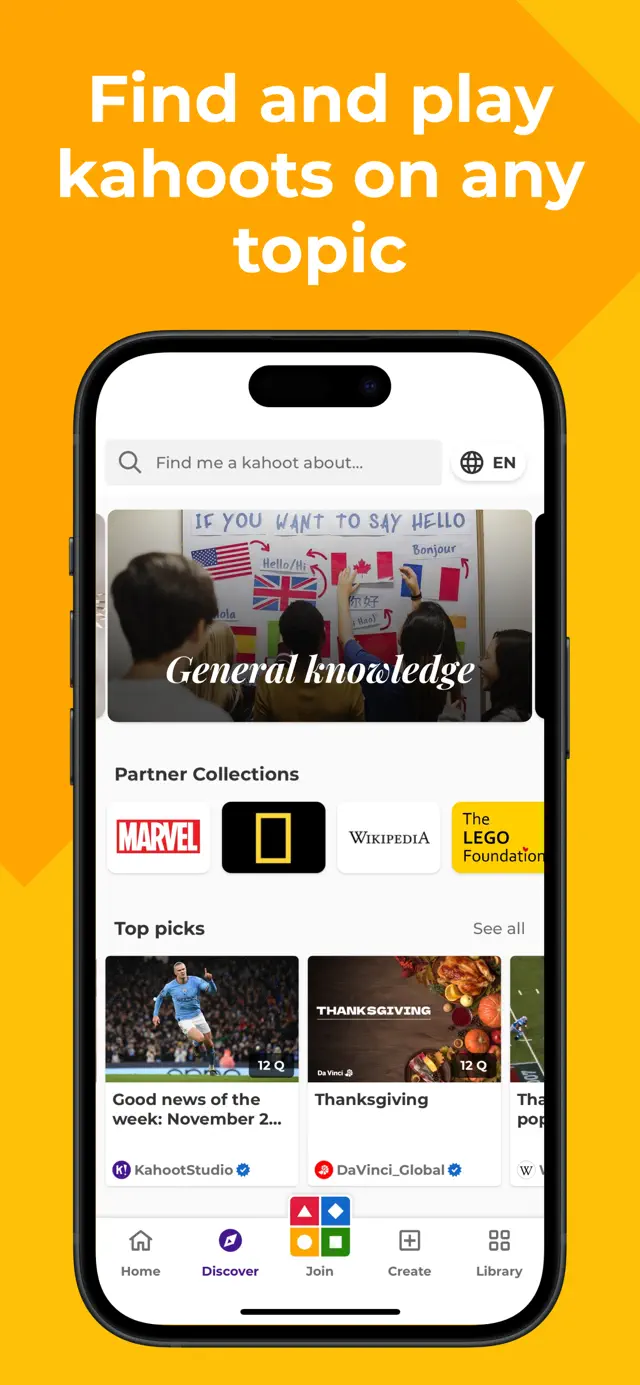
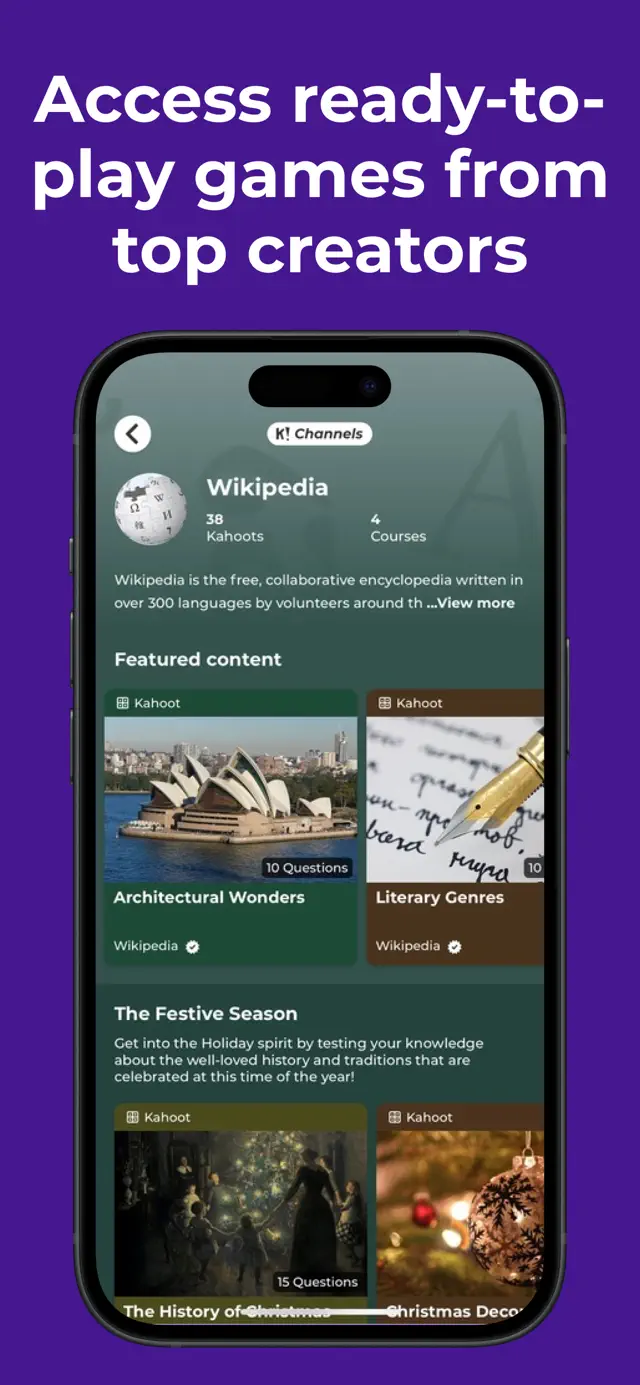
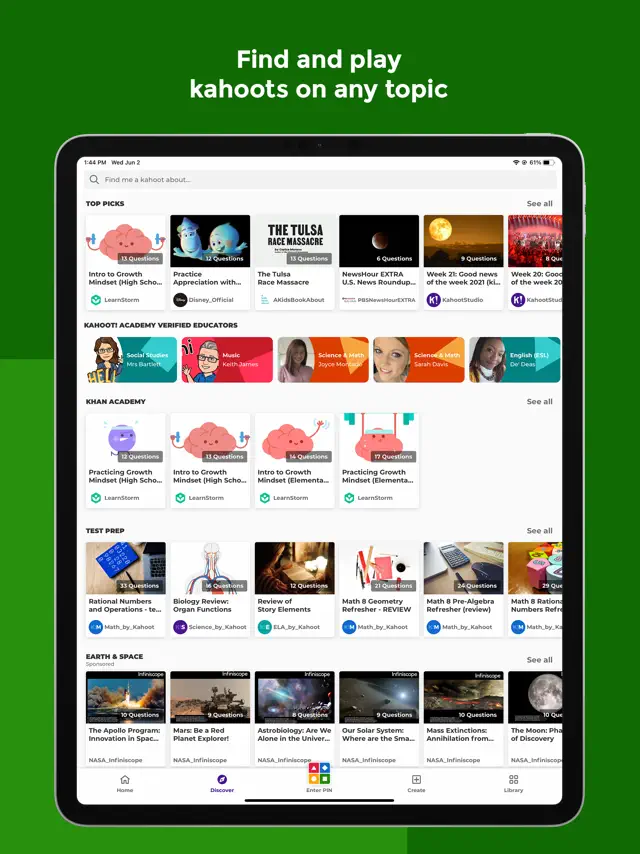
- Search among millions of ready-to-play kahoots on any topic

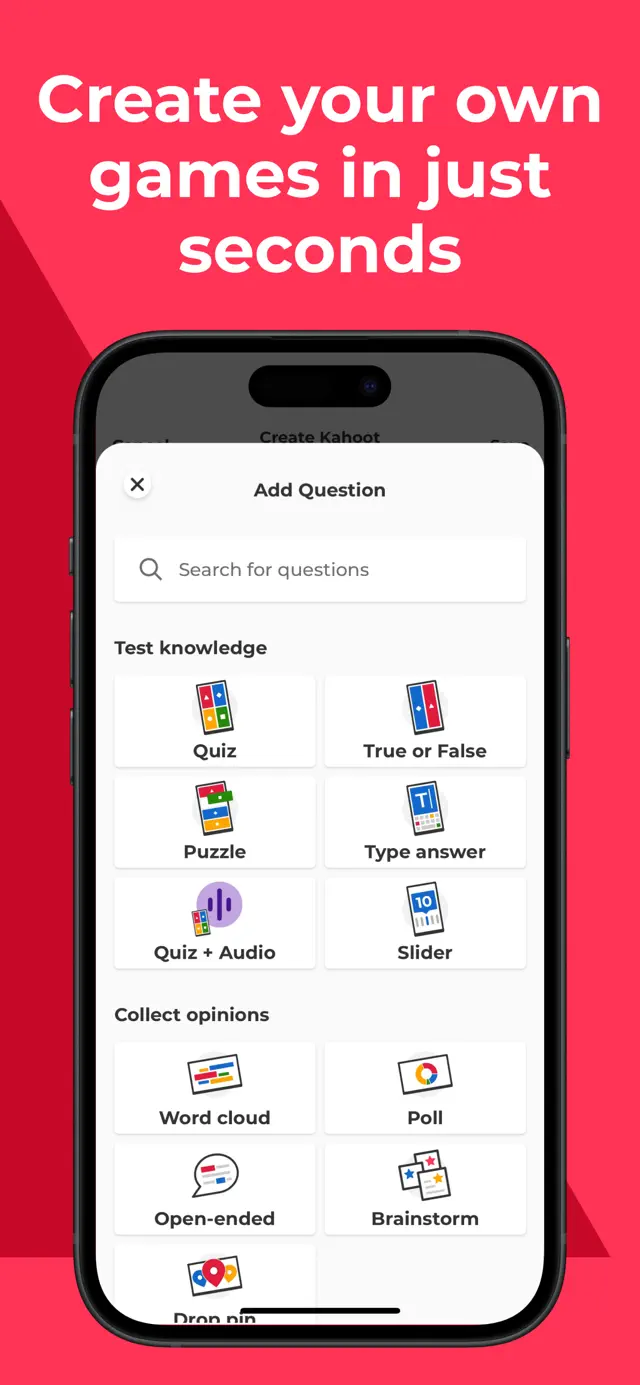
- Create or edit your own kahoots in minutes

- Combine different question types to increase engagement

- Host kahoots live in class or virtually for distance learning

- Assign student-paced kahoots for content review

- Assess learning outcomes with reports

Professionals

- Create kahoots for e-learning, presentations, events and other occasions

- Encourage audience participation with polls and word cloud questions

- Host Kahoot! live in person or in a virtual meeting

- Assign self-paced kahoots, for example, for e-learning

- Assess progress and results with reports

Premium features:

Kahoot! is free for teachers and their students, and it’s our commitment to keep it that way as part of our mission to make learning awesome. We offer optional upgrades that unlock advanced features, such as an image library with millions of images and advanced question types, such as puzzles, polls, open-ended questions and slides. To take advantage of these features, users will need a paid subscription.

To create and host kahoots in a work context, as well as get access to additional features, business users will need a paid subscription.

Recurring billing, cancel anytime

- Payment will be charged to your iTunes account at confirmation of purchase.

- Subscription automatically renews unless auto-renew is turned off at least 24 hours before the end of the current period.

- Account will be charged for renewal within 24 hours of the end of the current period, and the cost of the renewal will be provided.

- Subscriptions may be managed by the user. Auto-renewal may be turned off by going to the user’s Account Settings after purchase. No cancellation of the current subscription is allowed during the active subscription period.

- Any unused portion of a free trial period, if offered, will be forfeited when you purchase a subscription.

Privacy Policy: https://kahoot.com/privacy

Terms and conditions: https://kahoot.com/terms


In-Game Events

Celebrate Pride Month
SPECIAL EVENT
Celebrate Pride Month
Explore diversity and inclusion

Dive into fun kahoots on diversity, inclusion, and LGBTQ+ history. Make learning awesome and celebrate Pride together!

Starts: 6/1/2026Ends: 6/30/2026

Featured In

See What’s New in iPadOS 26
NOW TRENDING
See What’s New in iPadOS 26
More intelligent apps, powerful multitasking, and a gorgeous new design.
Level Up Your Apps With Apple Intelligence
GET STARTED
Level Up Your Apps With Apple Intelligence
See more ways to express yourself and accelerate your workflows.

Ratings & Reviews

4.6 out of 5 with 47719 Counts
Age Rating 4+

Screenshots

Kahoot! Play & Create Quizzes screenshot 1Kahoot! Play & Create Quizzes screenshot 2Kahoot! Play & Create Quizzes screenshot 3Kahoot! Play & Create Quizzes screenshot 4Kahoot! Play & Create Quizzes screenshot 5Kahoot! Play & Create Quizzes screenshot 6Kahoot! Play & Create Quizzes screenshot 7Kahoot! Play & Create Quizzes screenshot 8Kahoot! Play & Create Quizzes screenshot 9Kahoot! Play & Create Quizzes screenshot 10Kahoot! Play & Create Quizzes screenshot 11Kahoot! Play & Create Quizzes screenshot 12Kahoot! Play & Create Quizzes screenshot 13Kahoot! Play & Create Quizzes screenshot 14Kahoot! Play & Create Quizzes screenshot 15Kahoot! Play & Create Quizzes screenshot 16Kahoot! Play & Create Quizzes screenshot 17Kahoot! Play & Create Quizzes screenshot 18

Kahoot! makes learning awesome by bringing interactive, quiz-based games to classrooms, offices, and living rooms. Users can easily discover, create, and host trivia or study sets on any topic in minutes. Whether studying for exams with solo flashcards, hosting a live game for a massive crowd, or collaborating with colleagues remotely, Kahoot! turns education and presentation into an immersive, highly engaging experience filled with customizable themes, game modes, and real-time scoreboards.

Features

1

Create interactive quiz games in minutes

2

Join live kahoots hosted in classrooms or offices via game PIN

3

Access flashcards and study modes for independent learning

4

Explore millions of ready-to-play public quizzes

5

Host remote games using video conferencing tools

Tips

Promotion Videos

How to Play Kahoot!

Gameplays

Q&A

No, you do not need an account to join a live game. You only need to open the app, tap 'Enter PIN', type the code from the host, and enter your nickname.

An active internet connection is required to browse public content, create new quizzes, and host or join live games.

More by Developer

You Might Also Like

All Categories

Puzzle Game

Action Game

Simulation Game

Casual Game

Adventure Game

Card Game

Roleplaying Game

Board Game

Sports Game

Strategy Game

Racing Game

Family Game

Casino Game

Music Game

Word Game

Trivia Game

Education Game

Games Game

Entertainment Game

Utilities Game

Social Networking Game

Books Game

Health & Fitness Game

Lifestyle Game