Version 2.10Tue Dec 30 2014
This app has been updated by Apple to prepare for watchOS 27 compatibility. No new features are included.
This is a relatively minor upgrade. New features include
• support for iPhone 6 and iPhone 6 plus screen resolutions
• enhanced user interface on iOS 7 and iOS 8
• a new replay manager: F-Sim Space Shuttle now stores replays of the 10 most recent and the 10 best flights. You can watch them later or save them as video
• MFI game controller support. Tilt controls are still the preferred way to control the orbiter, but if you have an MFI game controller, you can now use it as an optional control input (switch to analog controls in the options menu when your game controller is connected)
We hope that you like this update and kindly ask to rate or review it in the App Store.
We are already working on a major update and on a new flight sim app. Stay tuned!
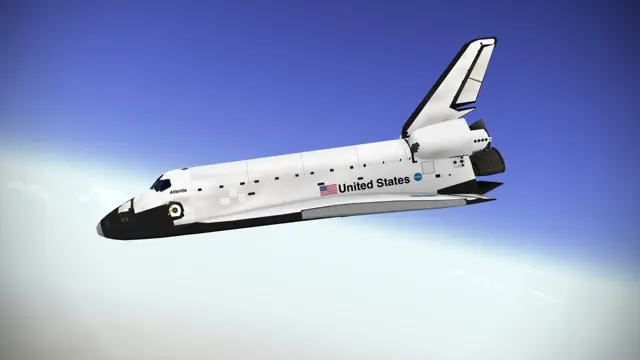
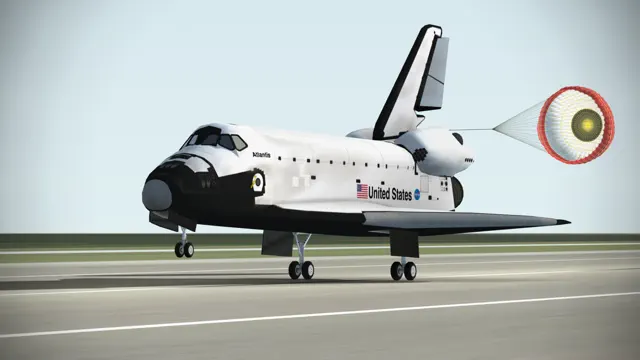
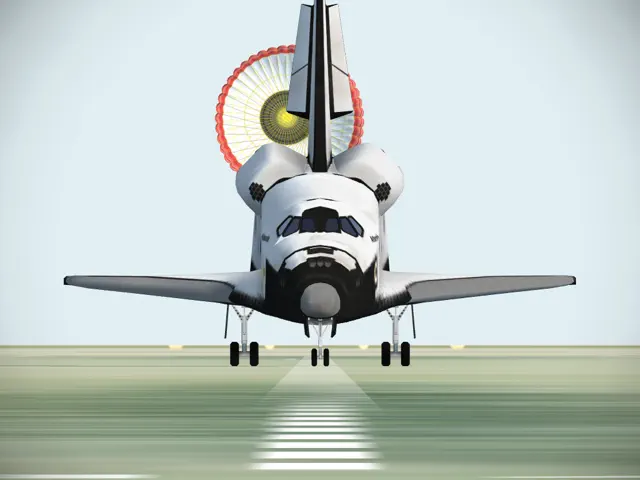
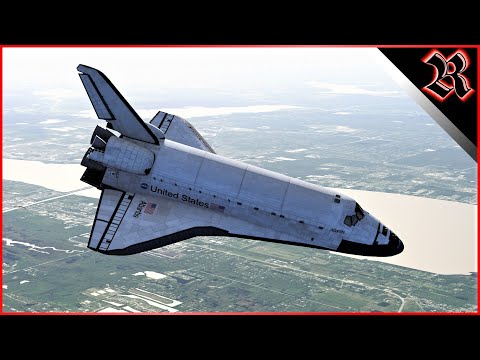
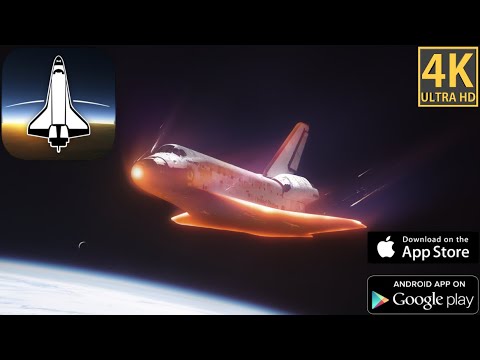
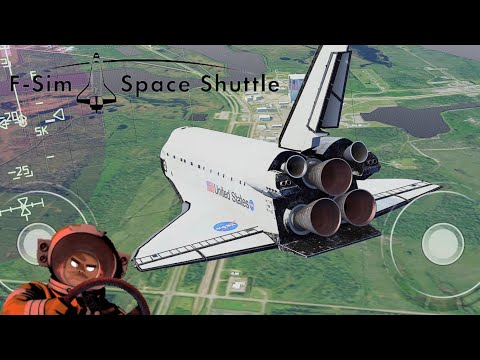
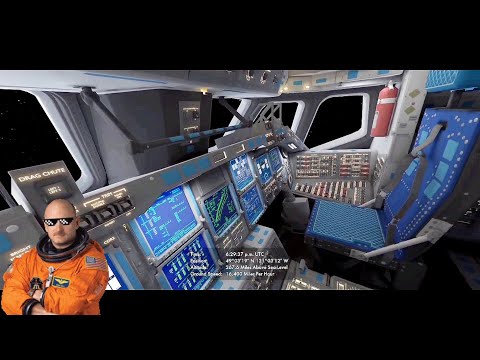
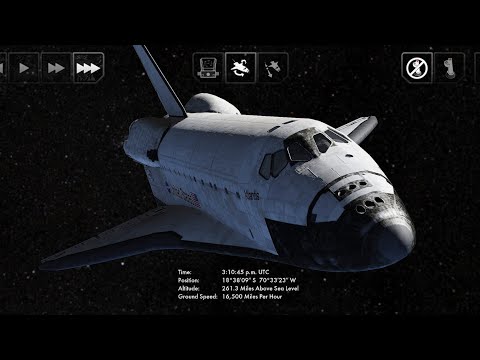
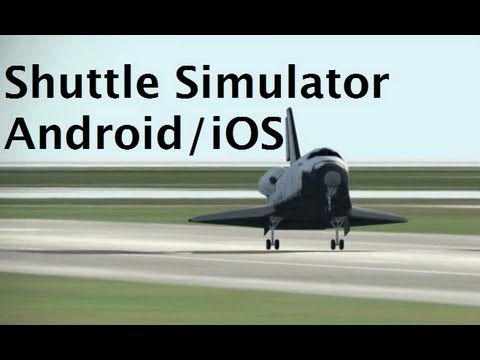
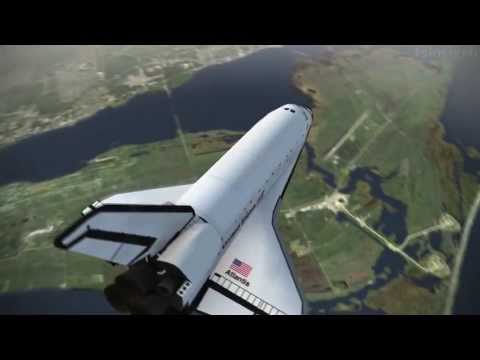
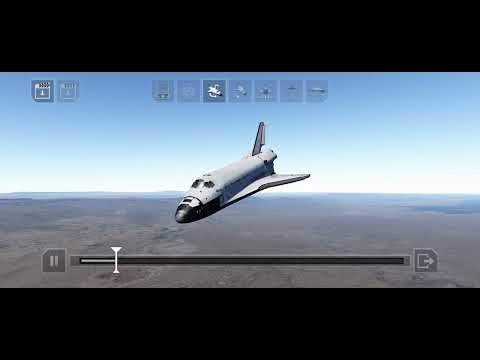
Have you ever wondered what it’s like to land the Space Shuttle? Now you can find out. F-Sim Space Shuttle is a critically acclaimed flight simulator for iPhone, iPad and iPod touch. It simulates the Space Shuttle approach and landing in incredible detail and accuracy. We’ve tried to combine realistic flight dynamics with stunning graphics and fun game play: Each landing attempt takes just a few minutes. Our landing analysis and scoring system tells you exactly how to improve your next landing. It will make you come back and try again.
No ads, no in-app-purchases.
Each flight starts at either 10,000 feet, already aligned with the runway, or at up to 50,000 feet, before banking into the heading alignment cone. During descent, the Orbiter is an unpowered glider, so you will only have one chance to get it right. Astronauts used to call it a flying brick: because of its 200,000 lbs. gross weight and low lift over drag ratio, the approach is six times steeper and two times faster than a typical airliner approach. Landing the Orbiter takes practice, but the built-in autopilot demo and tutorials will get you started. After your first safe touchdown, chase that perfect landing, compare your high scores online with your friends, earn medals, and unlock achievements. Experiment with different weather conditions, night approaches, and even emergency scenarios or system failures. At the end of each flight, watch a replay from different camera angles.
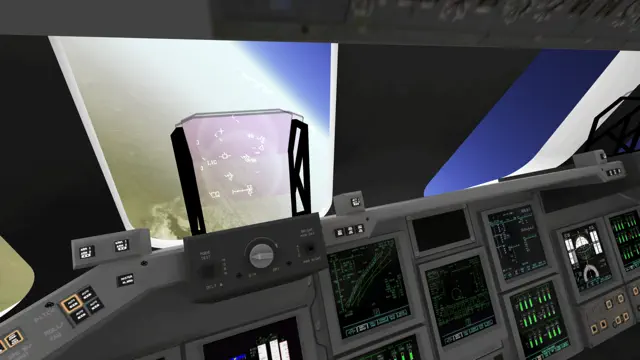
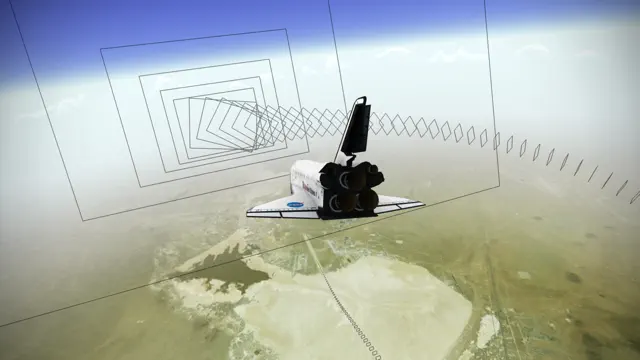
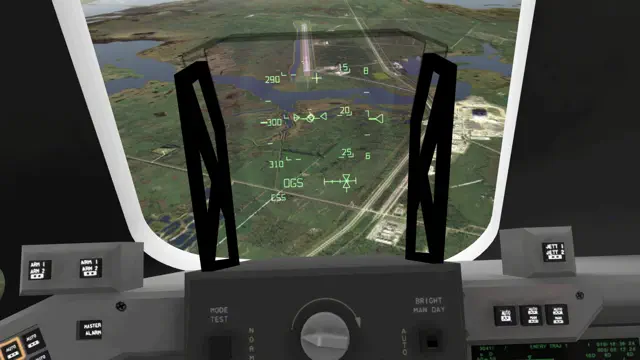
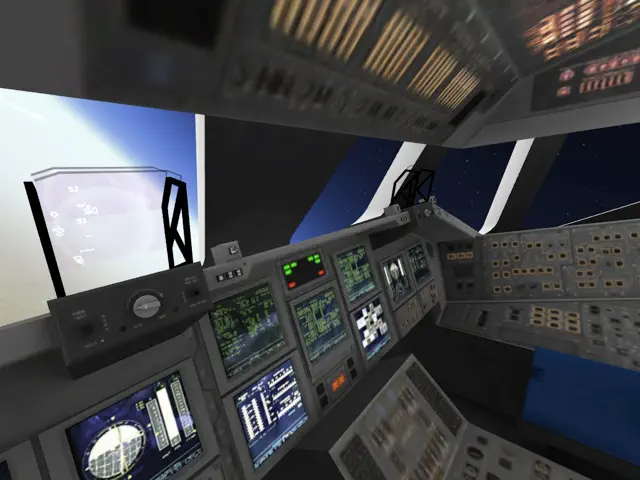
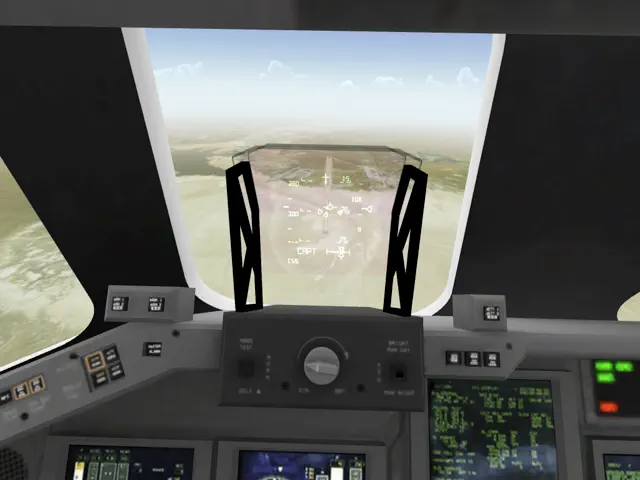
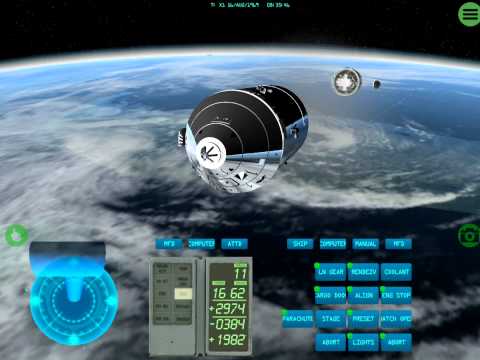
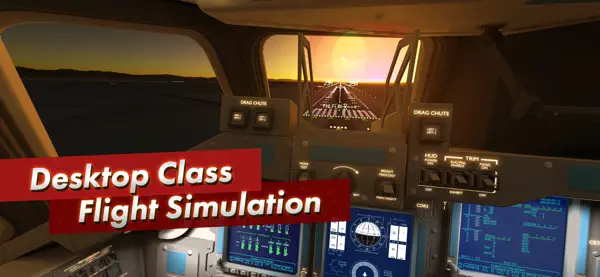
You control the Orbiter’s pitch and roll axes by tilting your device. Alternatively, you may switch to on-screen analog sticks. Rudder, speed brake, gear, and chute are usually handled by the autopilot, but you can have full manual control if you like. For beginners, we’ve added rectangles that visualize the desired approach path. Simply try to stay within the corridor of rectangles, and they’ll guide you right to the touchdown point. Advanced pilots can turn them off and rely on the instruments in the head-up display (HUD) instead. The simulated guidance, navigation and control (GNC) systems are authentic replications of their counterparts in the real Orbiter, and the HUD features all the instruments real Space Shuttle commanders used to employ to skillfully land this unique aircraft. Now it’s your turn to give it a try.
Here’s what others have said about it:
“Because this app is so visually exciting, so technically deep, so sophisticated, so beautifully done in its realism, effects, and documentation, it earned a perfect 5/5 rating, Outstanding.”
John Martellaro, Senior Editor for Reviews, The Mac Observer
“I was excited to see that I can enjoy flying the space shuttle realistically also on my iPhone and complement my addiction to our Space Shuttle Mission Simulator on PC when I am on the road.”
Alex L., www.space-shuttle-mission.com
“Absolutely awesome app that is a must for shuttle huggers and aspiring astronauts.”
Chris Bergin, Managing Editor, NASASpaceflight.com
F-Sim Space Shuttle takes full advantage of modern iOS devices, but also runs smoothly on older hardware. We’ve tested it on all iOS devices, and iOS versions 3 to 7.
Requires iOS 5.1.1 or later. Compatible with iPhone, iPad, and iPod touch.
If you like F-Sim Space Shuttle, you're going to love its successor, F-Sim | Space Shuttle 2 - available now!
Have you ever wondered what it’s like to land the Space Shuttle? Now you can find out. F-Sim Space Shuttle is a critically acclaimed flight simulator for iPhone, iPad and iPod touch. It simulates the Space Shuttle approach and landing in incredible detail and accuracy. We’ve tried to combine realistic flight dynamics with stunning graphics and fun game play: Each landing attempt takes just a few minutes. Our landing analysis and scoring system tells you exactly how to improve your next landing. It will make you come back and try again.
No ads, no in-app-purchases.
Each flight starts at either 10,000 feet, already aligned with the runway, or at up to 50,000 feet, before banking into the heading alignment cone. During descent, the Orbiter is an unpowered glider, so you will only have one chance to get it right. Astronauts used to call it a flying brick: because of its 200,000 lbs. gross weight and low lift over drag ratio, the approach is six times steeper and two times faster than a typical airliner approach. Landing the Orbiter takes practice, but the built-in autopilot demo and tutorials will get you started. After your first safe touchdown, chase that perfect landing, compare your high scores online with your friends, earn medals, and unlock achievements. Experiment with different weather conditions, night approaches, and even emergency scenarios or system failures. At the end of each flight, watch a replay from different camera angles.
You control the Orbiter’s pitch and roll axes by tilting your device. Alternatively, you may switch to on-screen analog sticks. Rudder, speed brake, gear, and chute are usually handled by the autopilot, but you can have full manual control if you like. For beginners, we’ve added rectangles that visualize the desired approach path. Simply try to stay within the corridor of rectangles, and they’ll guide you right to the touchdown point. Advanced pilots can turn them off and rely on the instruments in the head-up display (HUD) instead. The simulated guidance, navigation and control (GNC) systems are authentic replications of their counterparts in the real Orbiter, and the HUD features all the instruments real Space Shuttle commanders used to employ to skillfully land this unique aircraft. Now it’s your turn to give it a try.
Here’s what others have said about it:
“Because this app is so visually exciting, so technically deep, so sophisticated, so beautifully done in its realism, effects, and documentation, it earned a perfect 5/5 rating, Outstanding.”
John Martellaro, Senior Editor for Reviews, The Mac Observer
“I was excited to see that I can enjoy flying the space shuttle realistically also on my iPhone and complement my addiction to our Space Shuttle Mission Simulator on PC when I am on the road.”
Alex L., www.space-shuttle-mission.com
“Absolutely awesome app that is a must for shuttle huggers and aspiring astronauts.”
Chris Bergin, Managing Editor, NASASpaceflight.com
F-Sim Space Shuttle takes full advantage of modern iOS devices, but also runs smoothly on older hardware. We’ve tested it on all iOS devices, and iOS versions 3 to 7.