Version 1.2308Wed Jul 19 2023
Fixed bug that prevented SumThing from automatically updating when going back and forth with scoresheets.
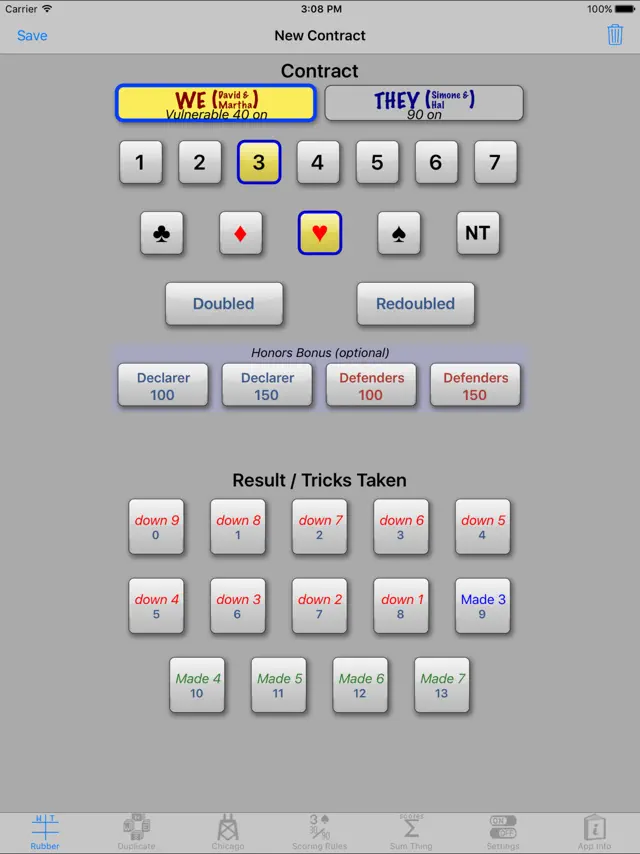
Take the busy-work out of scoring Rubber Bridge, Chicago (4-deal) and/or Duplicate Bridge - let your iPhone/iPad do it for you with this flexible scorepad. Whether you are a veteran bridge player or someone who's just getting into the game, the Bridge Scorepad can help you better enjoy the game and enhance your understanding of the nuances of scoring.
- Support for traditional Rubber Bridge scoring (i.e. We/They), Chicago Style (4-deal) AND Duplicate Bridge.
- Rubber Bridge scorepad features:
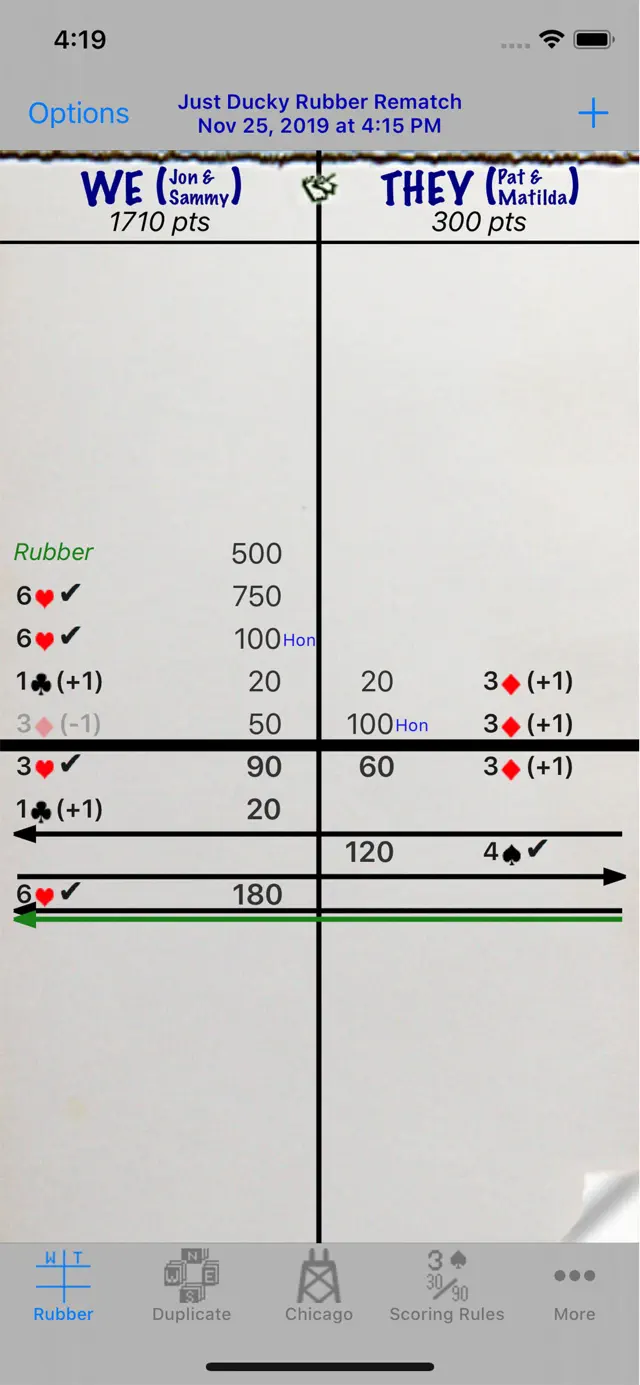
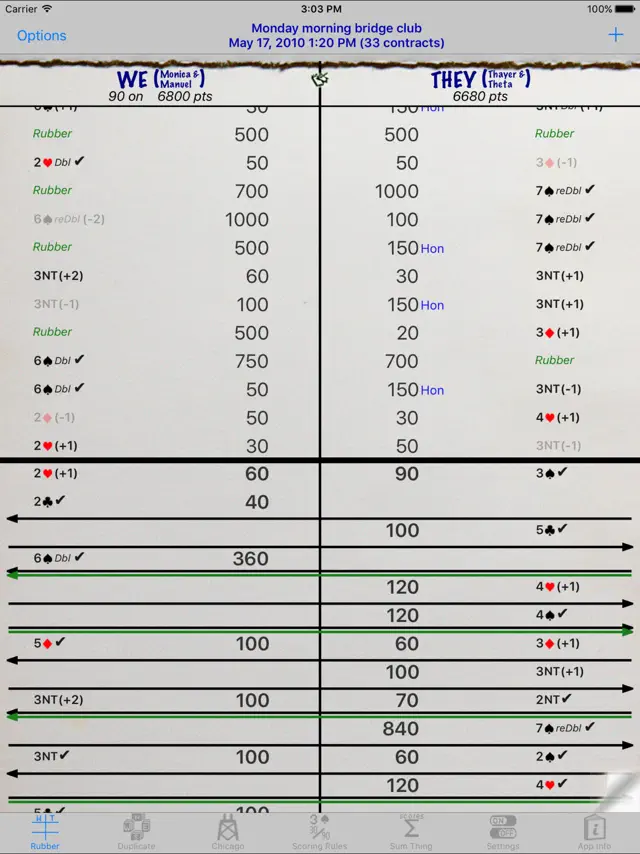
+ The familiar look of a traditional scoresheet with a graphical notation of the contract and results.
+ See at a glance which teams are vulnerable, which teams have game legs on and their respective total scores.
+ Tap on an entry in the scoresheet to view a detailed explanation of the scoring. (You can edit the details of a previously played contract if you need to.)
+ Play multiple rubbers in one scoresheet, or create a new scoresheet for each rubber.
- Chicago Bridge scorepad features:
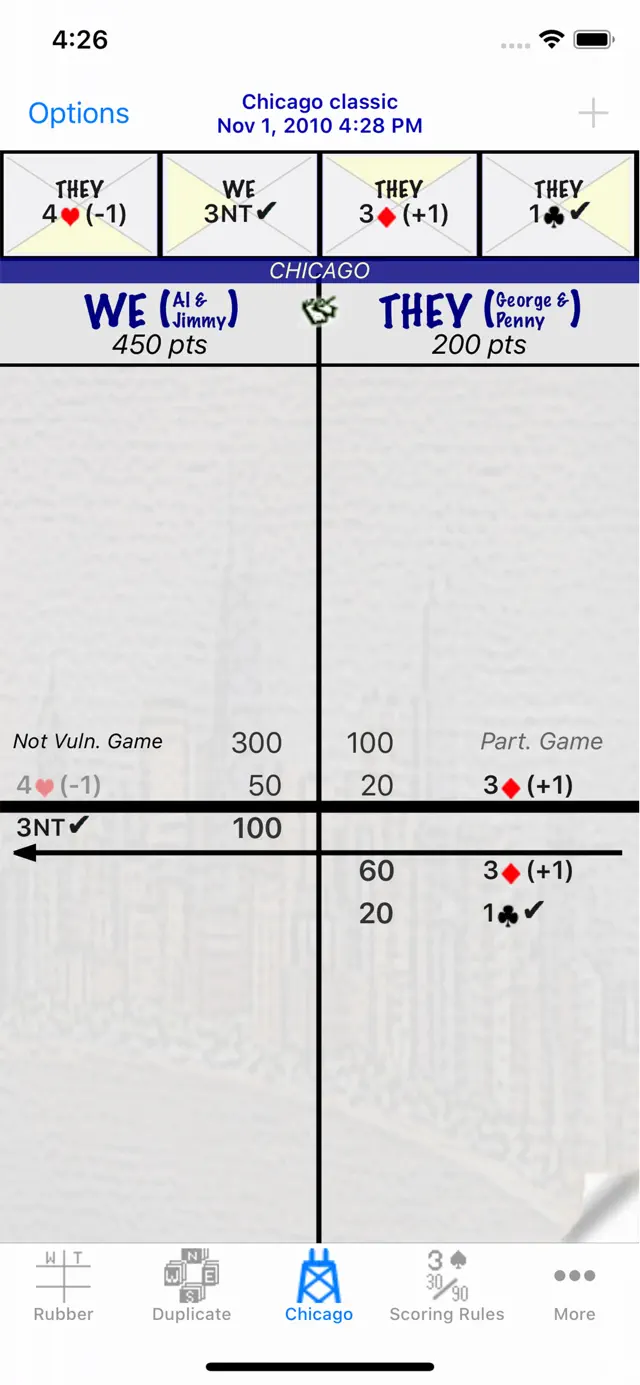
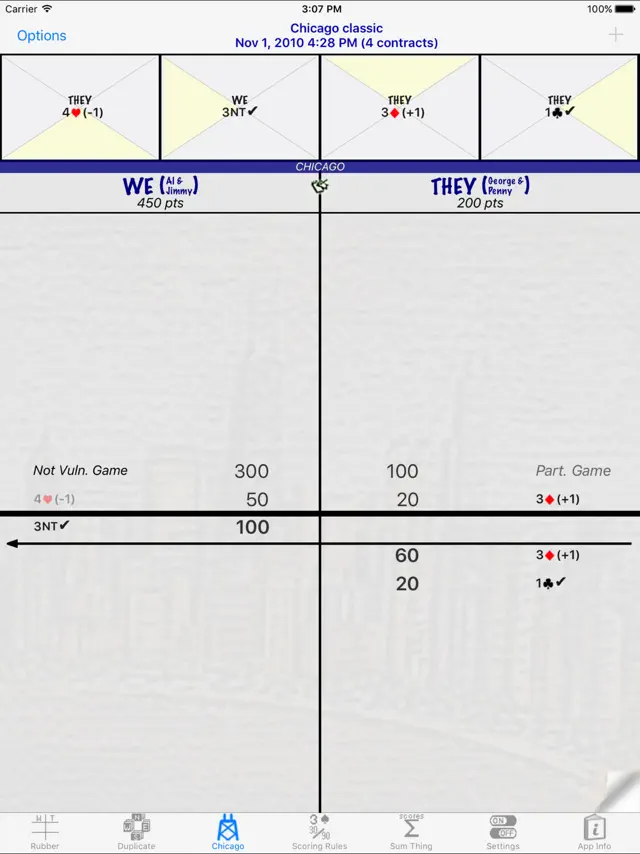
+ Graphical 'Chukker' to keep track of the deal.
+ Support for both Chicago and Cavendish vulnerability systems.
+ Support for traditional Chicago scoring and Duplicate style scoring.
+ The familiar look of a traditional scoresheet with a graphical notation of the contract and results.
+ See at a glance which teams are vulnerable, which teams have game legs on (Chicago scoring) and their respective total scores.
+ Tap on an entry in the scoresheet to view a detailed explanation of the scoring. (You can edit the details of a previously played contract if you need to.)
- Duplicate Bridge scorepad features:
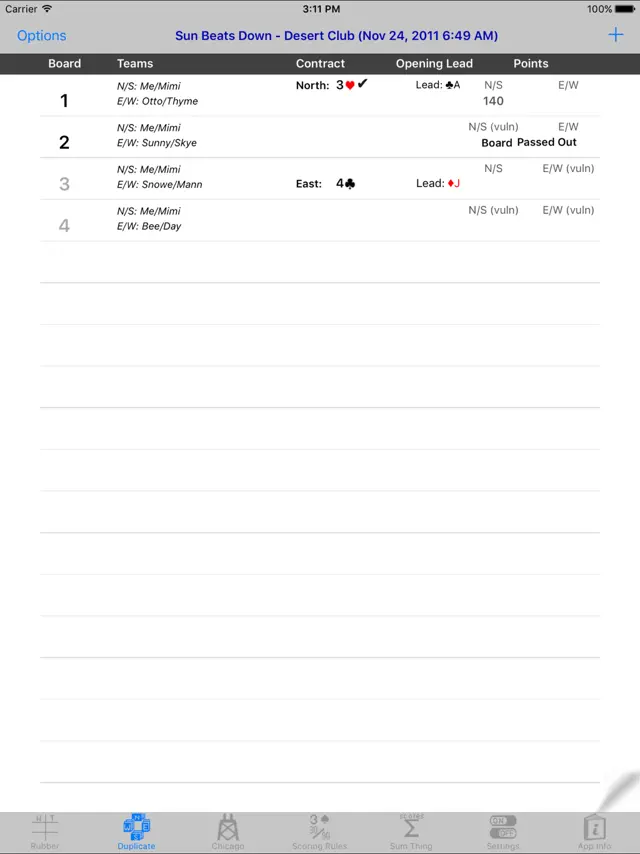
+ Enter your Boards one at a time, in batches (e.g. by round) or all at once.
+ Personalize the scoresheet with a description and your player/team ID to highlight your team's scores in the scoresheet.
+ Quickly differentiate between complete and incomplete boards.
+ Tap on a completed board in the scoresheet to view a detailed explanation of the scoring (and edit the board if necessary).
- Personalize and share your scoresheets:
+ Personalize scoresheets with player names and a scoresheet description.
+ Email a PDF copy or print(*) scoresheets directly from your device.
+ When scoring Rubber or Chicago on an iPad, there is a "Large font" user preference to help others at the table better see the scoresheet too.
- Sum scores across scoresheets to track players over a period of time (currently for Rubber Bridge and Chicago Bridge only). The report includes a grand total by player as well as subtotals by the dates of the scoresheets (i.e. subtotals for all the scoresheets played on a single date). The report can be emailed or printed (*) directly from your device.
- Includes a reference copy of the standard rules for scoring contract bridge (based on the 2004 International Laws of Contract Bridge).
- Standalone scoring calculator (on the 'backside' of the scoring rules). Use it to score a hand or simply to better understand the nuances of contract bridge scoring.
(*) Printing directly from the device requires an available AirPrint compatible printer. eMailing requires that your device has been configured to send emails.
Requires iOS 13.0 or later. Compatible with iPhone, iPad, and iPod touch.
Take the busy-work out of scoring Rubber Bridge, Chicago (4-deal) and/or Duplicate Bridge - let your iPhone/iPad do it for you with this flexible scorepad. Whether you are a veteran bridge player or someone who's just getting into the game, the Bridge Scorepad can help you better enjoy the game and enhance your understanding of the nuances of scoring.
- Support for traditional Rubber Bridge scoring (i.e. We/They), Chicago Style (4-deal) AND Duplicate Bridge.
- Rubber Bridge scorepad features:
+ The familiar look of a traditional scoresheet with a graphical notation of the contract and results.
+ See at a glance which teams are vulnerable, which teams have game legs on and their respective total scores.
+ Tap on an entry in the scoresheet to view a detailed explanation of the scoring. (You can edit the details of a previously played contract if you need to.)
+ Play multiple rubbers in one scoresheet, or create a new scoresheet for each rubber.
- Chicago Bridge scorepad features:
+ Graphical 'Chukker' to keep track of the deal.
+ Support for both Chicago and Cavendish vulnerability systems.
+ Support for traditional Chicago scoring and Duplicate style scoring.
+ The familiar look of a traditional scoresheet with a graphical notation of the contract and results.
+ See at a glance which teams are vulnerable, which teams have game legs on (Chicago scoring) and their respective total scores.
+ Tap on an entry in the scoresheet to view a detailed explanation of the scoring. (You can edit the details of a previously played contract if you need to.)
- Duplicate Bridge scorepad features:
+ Enter your Boards one at a time, in batches (e.g. by round) or all at once.
+ Personalize the scoresheet with a description and your player/team ID to highlight your team's scores in the scoresheet.
+ Quickly differentiate between complete and incomplete boards.
+ Tap on a completed board in the scoresheet to view a detailed explanation of the scoring (and edit the board if necessary).
- Personalize and share your scoresheets:
+ Personalize scoresheets with player names and a scoresheet description.
+ Email a PDF copy or print(*) scoresheets directly from your device.
+ When scoring Rubber or Chicago on an iPad, there is a "Large font" user preference to help others at the table better see the scoresheet too.
- Sum scores across scoresheets to track players over a period of time (currently for Rubber Bridge and Chicago Bridge only). The report includes a grand total by player as well as subtotals by the dates of the scoresheets (i.e. subtotals for all the scoresheets played on a single date). The report can be emailed or printed (*) directly from your device.
- Includes a reference copy of the standard rules for scoring contract bridge (based on the 2004 International Laws of Contract Bridge).
- Standalone scoring calculator (on the 'backside' of the scoring rules). Use it to score a hand or simply to better understand the nuances of contract bridge scoring.
(*) Printing directly from the device requires an available AirPrint compatible printer. eMailing requires that your device has been configured to send emails.