Magic Cube Puzzle 3D is a solid digital version of the world's most famous puzzle. The physics are surprisingly snappy; rotating the faces feels natural on a touch screen, which is where most of these apps fail. It includes multiple sizes from 2x2 all the way up to 8x8, providing a massive range of difficulty.
While it lacks the tactile feel of a real plastic cube, the ability to 'solve' it anywhere without carrying a bulky object is the main draw. The inclusion of a solver and various skins adds some nice value, though the UI is a bit dated. It’s a functional, no-frills tool for cubers who want to practice their algorithms on the go.
I don’t get the appeal of 'gaming' on a screen for something that costs five dollars at a toy store. Magic Cube Puzzle 3D does what it says on the tin: it’s a cube. On your phone. The physics are fine, and it doesn't crash, but the moment you try to do a fast algorithm, the touch controls remind you that fingers weren't meant to swipe 3D planes for speed. It's a distraction for a bus ride, nothing more.
The UI is cluttered with ads that break the concentration required for a logic puzzle. Yes, you can solve a 20x20 cube if you have the patience of a saint and the eyesight of a hawk, but on a 6-inch screen, it's a chore, not a game. It's conservative, it's plain, and it lacks any creative hook to justify its existence over a physical object.
Performance: Rotations are smooth, but complex cubes (10x10+) can cause slight input lag on older hardware.
Buy if: You want to practice Rubik's algorithms without carrying a physical cube.
Skip if: You value tactile feedback and hate banner ads.
Available on: iPhone, iPad, iPod
Version 1.20.4Tue Jan 27 2026
Minor fixes
Famous puzzle is on your phone! The objective is to return each face of the cube to its initial state. It trains logic, concentration and patience. App features:
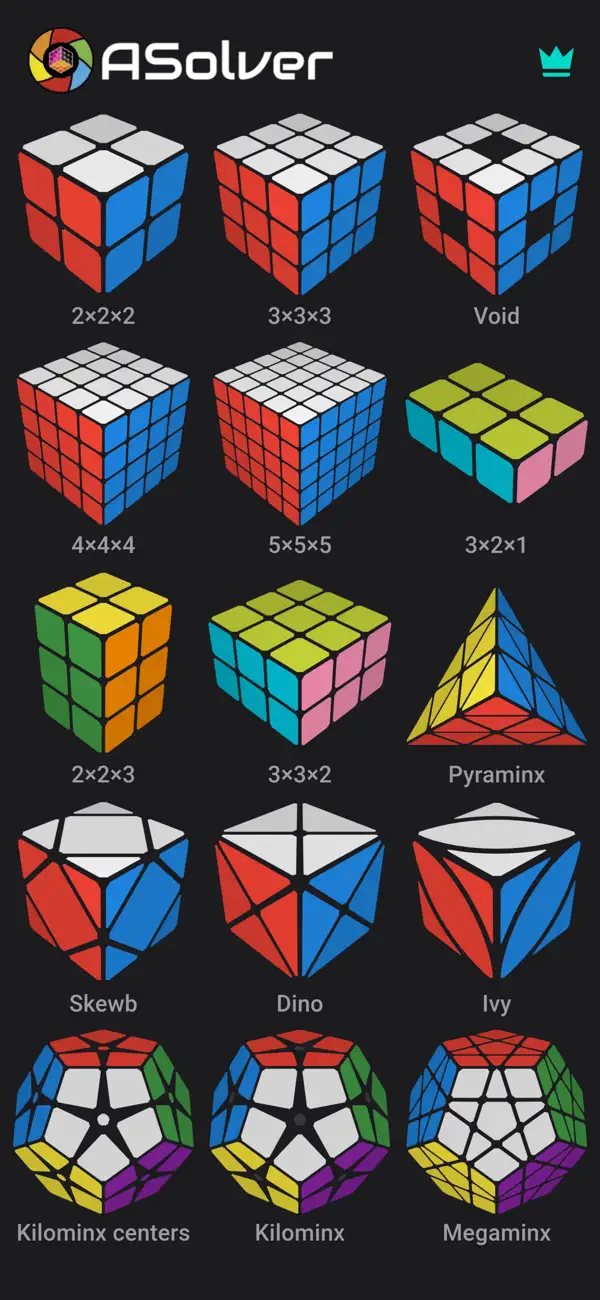
* Most popular puzzles are available: cube, pyramid and dodecahedron
* Multiple puzzle sizes: from 2х2х2 to 20х20х20
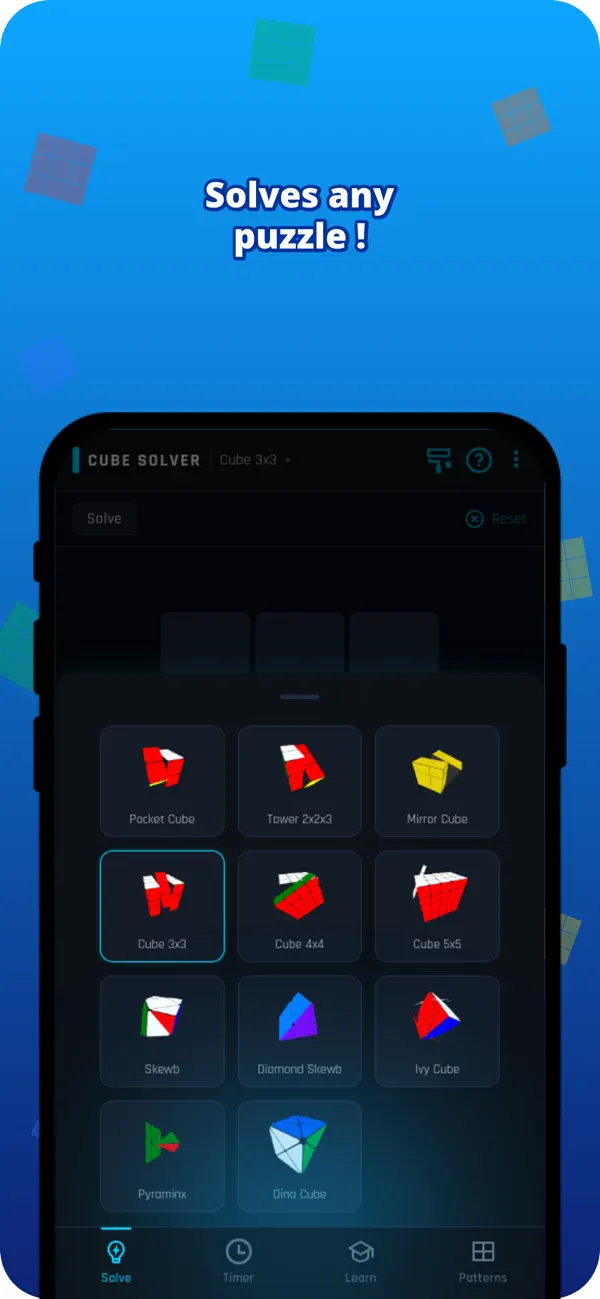
* Built-in puzzle solver. Get hints and learn the solving algorithms! (available for 3x3x3 cube)
* Realistic 3D graphics and animation
* Simple and handy controls
* Free cube rotation in all axes
* Achievements and leaderboards. Share your time with the whole world!
* It's FREE!
Images from https://icons8.com were used.
Sound effects from https://www.zapsplat.com were used.
Requires iOS 13.0 or later. Compatible with iPhone, iPad, and iPod touch.Famous puzzle is on your phone! The objective is to return each face of the cube to its initial state. It trains logic, concentration and patience.
Famous puzzle is on your phone! The objective is to return each face of the cube to its initial state. It trains logic, concentration and patience. App features:
* Most popular puzzles are available: cube, pyramid and dodecahedron
* Multiple puzzle sizes: from 2х2х2 to 20х20х20
* Built-in puzzle solver. Get hints and learn the solving algorithms! (available for 3x3x3 cube)
* Realistic 3D graphics and animation
* Simple and handy controls
* Free cube rotation in all axes
* Achievements and leaderboards. Share your time with the whole world!
* It's FREE!
Images from https://icons8.com were used.
Sound effects from https://www.zapsplat.com were used.


Magic Cube Puzzle 3D brings the classic combination puzzle to your mobile device with realistic 3D graphics and smooth touch controls. Choose from a variety of cube sizes, from the beginner-friendly 2x2 to the expert 8x8. The app includes a timer to track your solving speed, a step-by-step solver to help you learn, and customizable colors and skins to personalize your experience.
Cubes from 2x2x2 to 8x8x8
Realistic 3D rotations
Built-in puzzle solver
Customizable skins and colors
Enable the timer in settings to track your Personal Best. The app records your fastest times for each cube size independently.
Yes, you can select sizes ranging from 2x2 up to 8x8 in the main menu.
I grew up when you actually had to buy a book to learn how to solve these things. Cube Solver is more of a cheat sheet than a game, and that’s fine if that’s what you need. As a solver, it’s quite efficient—the camera recognition is hit-or-miss depending on your lighting, but the manual input works every time. As a 'game,' however, it’s lacking. The virtual cube controls are clunky; trying to rotate a 3D object on a 2D screen is always a headache compared to the real thing. It feels more like a utility app that someone tacked a 'game' mode onto. For a conservative gamer like me, I’d rather just pick up the physical plastic cube. If you're stuck and frustrated with your cube, this will get you to the finish line, but don't expect it to be your new favorite pastime.
Dinsun here. This isn't a game; it's a cheat code in app form. But as a piece of software, I have to admit it's impressive. The computer vision works surprisingly well under decent lighting. You show it the faces of your scrambled cube, and it spits out the shortest path to a solve. Simple as that. Is it 'fun'? No, not in the traditional sense. It's a utility. I worry that kids using this will never actually learn the algorithms themselves, but as a way to get a stuck cube back to its starting state, it's flawless. The UI is utilitarian, which I prefer. It’s a tool, it knows it’s a tool, and it doesn't waste my time with nonsense. It gets a high score for technical execution, even if it feels a bit like cheating.
When I first loaded up Cube Solver 3D, I expected a puzzle game with escalating levels and gameplay design. Instead, what I found is essentially a digital Swiss Army knife for solving physical Rubik's cubes. You input your scrambled cube's colors via camera scanning or manual entry, and the app calculates the optimal sequence of turns to solve it. From a technical standpoint, the 3D rendering is crisp, responsive, and handles rotations smoothly without stuttering. However, evaluating this as a game is difficult because it's fundamentally a utility tool. Once you use it to cheat on your physical cube a few times or learn the beginner algorithms, the novelty wears off quickly unless you are genuinely committed to speedcubing. At 40, my patience for digital cheat tools is low, though I respect the clean programming behind it. It's a well-made application for a very specific niche audience, but it lacks the soul and engagement of a true video game.
Enigmo takes me back to the early days of the iPhone. It was revolutionary then, and it’s still 'fine' now. The core loop of placing a bumper and watching a droplet bounce is satisfying in a basic way. However, the 3D graphics haven't aged gracefully—they look like early PS1 tech. The difficulty curve is also all over the place; you'll breeze through five levels and then hit a brick wall that makes you want to throw your phone. It’s a classic, but the world has moved on to more elegant physics puzzles like Portal or The Witness.
Look, it's Mahjong. We’ve been playing this on PCs since the 80s, and this version doesn't do much to justify its existence beyond portability. It’s competent enough—the tiles are legible and the touch controls don't fight you—but it lacks any sort of soul or modern flair. The variety of layouts is the only thing keeping it from being a total snooze-fest, though even those start to feel repetitive after an hour. It’s the kind of game you play while waiting for a flight because you have nothing better to do. It’s fine, but 'fine' doesn't get a high score in my book. If you're looking for innovation, keep walking; if you want a digital paperweight that occasionally lets you click tiles, here it is.
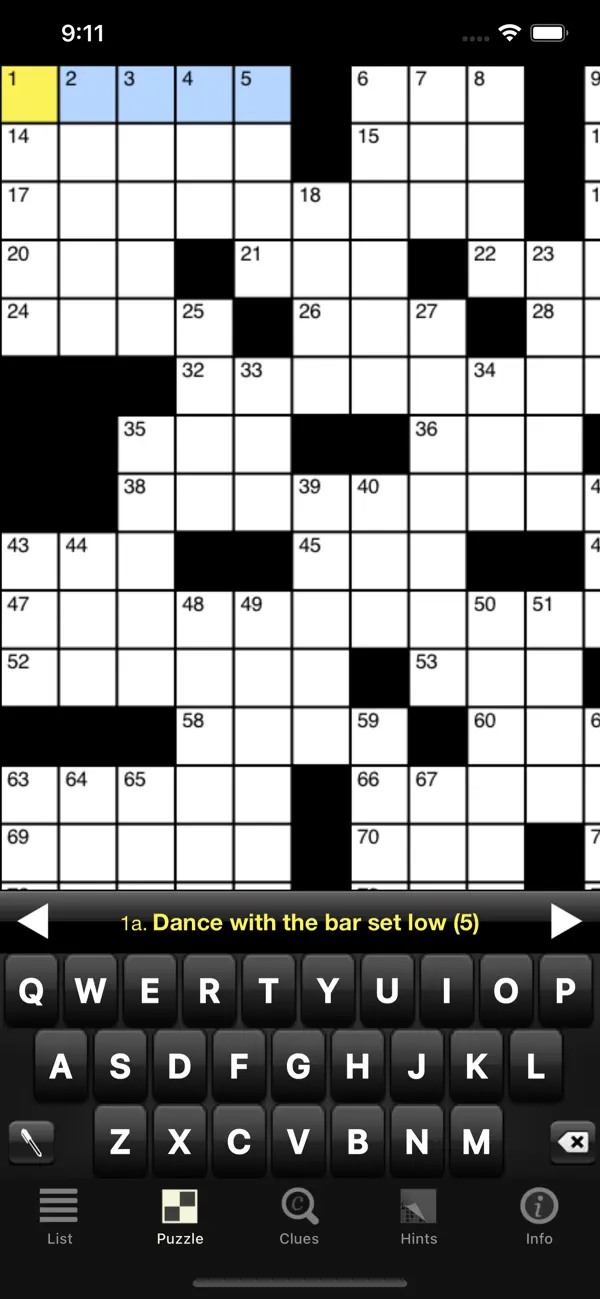
I've spent years with a pen and a newspaper, so I have a high bar for crosswords. This app manages to fit the content in, but it loses the tactile satisfaction of the real thing. The interface is utilitarian, which is better than being cluttered, but it feels sterile. The puzzle quality varies wildly depending on the source, and some of the clues are frankly nonsensical or dated. It does what it says on the tin, but I struggle to find the 'pro' in this 'classic' experience. It’s a decent way to kill time, but it won't replace a Sunday morning ritual for anyone who actually cares about the craft of puzzling. It's serviceable, but largely forgettable software.
EDGE is a relic from a time when mobile games actually tried to be games rather than slot machines. Its brilliance lies in its simplicity. You're a cube. You roll. That's it. But the level design is so tight and the physics are so predictable that every failure feels like your own fault rather than a glitch in the system. The soundtrack is the real star here—a pulse-pounding electronic score that fits the 'cyber-industrial' aesthetic perfectly. My only real complaint is that the difficulty spikes can be frustrating, especially with touch controls that occasionally misinterpret a swipe. It hasn't changed much over the years, which is both its strength and its weakness. It’s a pure, unadulterated puzzle-platformer that doesn't feel the need to hold your hand.
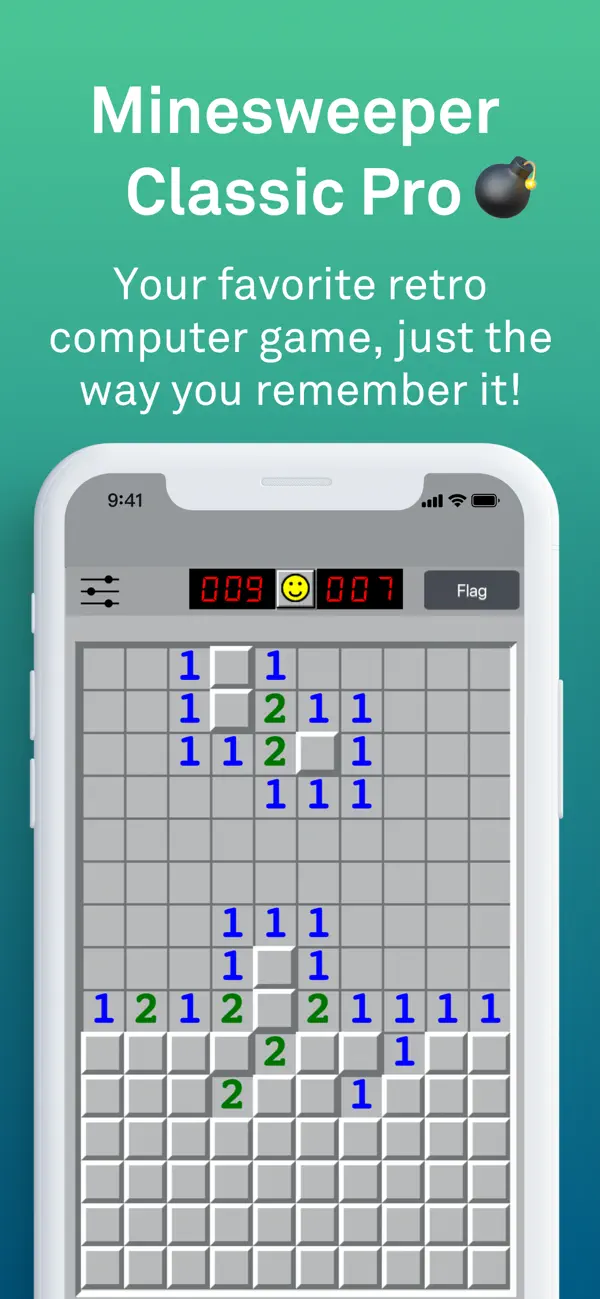
I’ve cleared thousands of Minesweeper boards in my life, and this app doesn't change anything about that experience. It’s Minesweeper. The controls are a bit fiddly on a small screen—I’ve detonated more than a few mines just by fat-fingering a square—but the logic is sound. It’s a perfect 'waiting for a bus' game. There’s no bloat, no forced ads (in this version), and no nonsense. But there’s also no reason to be excited about it. It’s a solved game that we’ve all played for thirty years. If you don't have a version of Minesweeper on your phone yet, this one is perfectly adequate. Just don't expect it to change your life.